
The scoreboard your stream deserves.
Transparent, live-syncing, and built to broadcast standards — a fixed strip that never jumps, a break counter that appears the moment a break starts, and frame graphics between the frames. One link into OBS and you're on air. Free on every match.

Meet the players before the break-off — real photos, your club badge, no manual graphics.

The strip that never moves. Names, frames, points, ball on — exactly where your viewers expect them.

Ball on, colours in order, break value — updated the instant the rules engine sees a pot.
Fifteen seconds, then ten. The clock changes gear halfway through the frame, on its own.
Snooker 900, handled properly — including ball in hand and the tie-breaker.

Four players, one strip. Alternate shots or play-until-you-miss, tracked automatically.
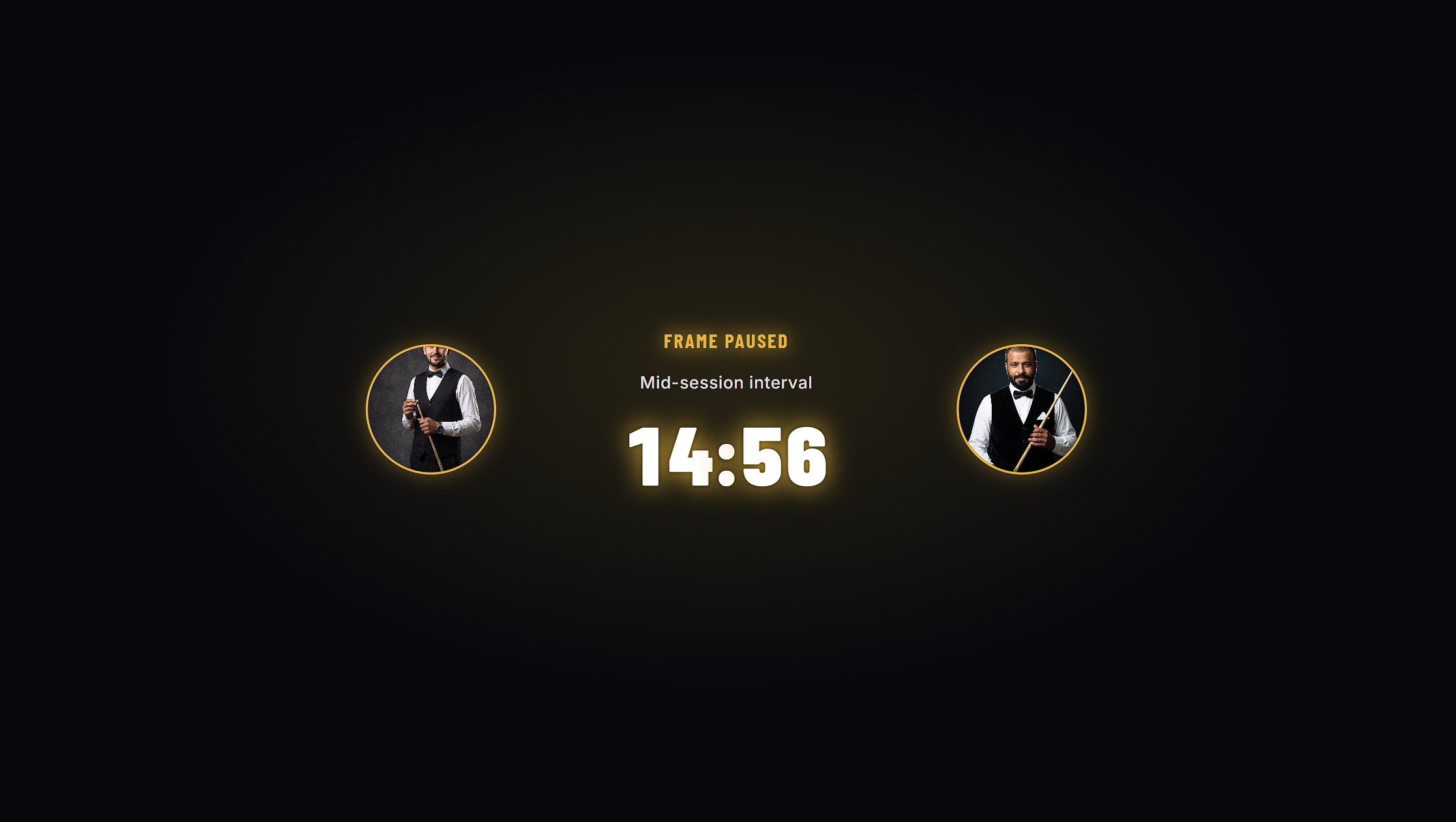
Cover the interval without cutting away — both players, a live countdown, the reason on screen.
A real winner spotlight when the frame ends, not a text box.
Your colours, your badge, your sponsors — rotating on a timer, frame after frame.
Built to broadcast rules, not web ones.
Fixed positions, tabular figures so the score never shifts as digits change, drop shadows that survive a bright table light, and a transparent canvas at true 1920 × 1080. It reads on a phone screen and it reads on a projector.
How it worksIt knows what’s happening, so the graphic always does too.
The overlay isn’t a text box you type into — it’s driven by the same rules engine the referee is using. Free ball awarded, colour respotted, shot clock expired, frame conceded: the graphic already knows.
How it worksMake it yours.
Club colours, your badge, player photos, sponsor rotation. On Free it carries a small SnookerFlow mark; on Pro it carries nothing but your branding.
How it worksSetup
Sign in and start a match
Create one from the homepage or reopen it from Match History, then copy the overlay link.
Add a Browser Source in OBS
Sources → + → Browser. Paste the link, set 1920 × 1080, and leave "Shutdown source when not visible" unchecked so the score keeps syncing.
Referee from your phone
The overlay updates live. No refresh, transparent background, nothing to install.
Dock the referee pad inside OBSClub
Add it as a Custom Browser Dock and run camera and scoring from one window, alone.
Troubleshooting
The overlay has a black background.
OBS is rendering it opaque — confirm the Browser Source is at 1920 × 1080 and that no colour key or background is set on the source.
The score has stopped updating.
"Shutdown source when not visible" is ticked. Untick it.
The overlay looks small or cropped.
Match the source resolution to your canvas, or use the 720p link on smaller canvases.
Text looks blurry.
Scale the Browser Source to 100% and let OBS resize the scene, rather than stretching the source itself.